Who flies
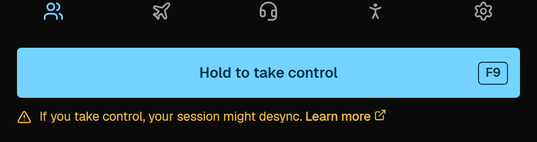
Whoever wants to fly takes control, by holding a button in the EFB app or pressing a key they've bound.
The flies (heh). At the start, that's whoever started the session. During the flight, anyone can take control at any time with Hold to take control in the .
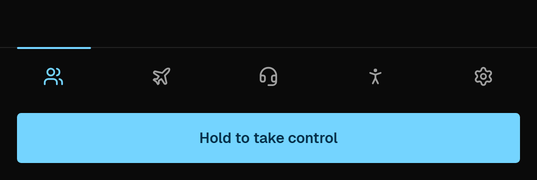
If the pilot flying leaves the flight or the session, or their sim closes or crashes, control passes to you at once.
To see what the pilot flying controls, and what anyone in the crew can change, see What syncs.
Binding a key
You can bind a key, or a button on your flight hardware, to take control without opening the EFB. In the , under Take control, select Bind.
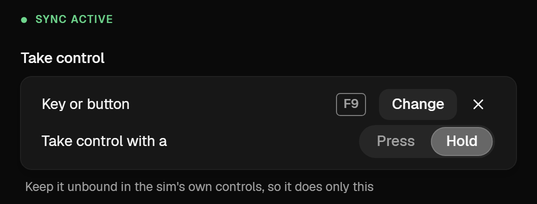
Before you pick one:
- A key works only while the sim is in front, and a hardware button works whatever is.
- You can't bind the Windows key, alone or in a combination.
- You can't bind a button on an Xbox controller connected by USB.
Taking control while the connection is down
If your PC loses its connection to the , your aircraft holds still until the connection comes back, and Dual Input then catches your cockpit up.
If you don't expect the connection back soon, you can take control and fly on. You'll become the pilot flying, but you'll give up catching up.