Start a flight together
Host a session or join someone else's.
Host a session
-
In the sim, press Tab and open Dual Input in the EFB.
-
On the , select Host a session.
-
Select the copy button beside the invite code.
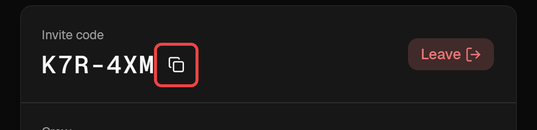
The copy button, beside the invite code. -
Send the code to your crew members.
-
If you aren't in your flight yet, load it as you always do, preferably cold and dark.
Join a session
-
Copy the invite code a crew member sent you.
-
In the sim, press Tab and open Dual Input in the EFB.
-
On the , select the empty code box.
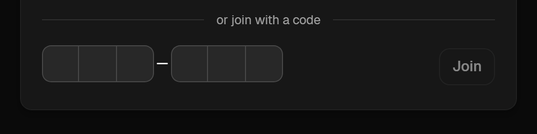
The code box, with Join beside it.
Dual Input will find the code in your clipboard and join the session at once. If you don't have the code in your clipboard, type it into the box and select Join.
Spawn into the flight
You can load a flight in the same aircraft yourself, from any airport, and Dual Input will move you to the pilot flying. But Dual Input can also load the flight for you.
From the world map, open Dual Input in the EFB, and select Join next to the pilot flying's name.
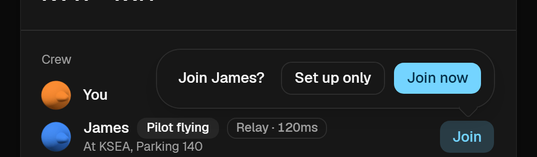
- Join now loads a flight in the pilot flying's aircraft at their airport, and starts it for you.
- Set up only sets up the same flight on the world map, and leaves it for you to start.
Once you're all in the flight, the next step is preflight.